
Guided by Scopey
Checkpoint 01
Checkpoint 01
Checkpoint 02
Checkpoint 03
Checkpoint 04
Checkpoint 05
Security desk active
Scopey checks every file before the vault opens.Asset vault
Each group has a clear use case. Open files directly, download the right version, and keep the license attached to the context.
Use only to accurately identify SCOPERR. Do not alter or use as another brand identity.



Use only when the context clearly identifies SCOPERR. Do not use as another app icon or profile mark.



Use only for SCOPERR-owned or SCOPERR-approved browser contexts.
Use only in SCOPERR-related references or approved SCOPERR materials.

Allowed only for direct references to the official SCOPERR case study. Not allowed as generic SaaS, AI, dashboard, fintech, or agency marketing visuals.
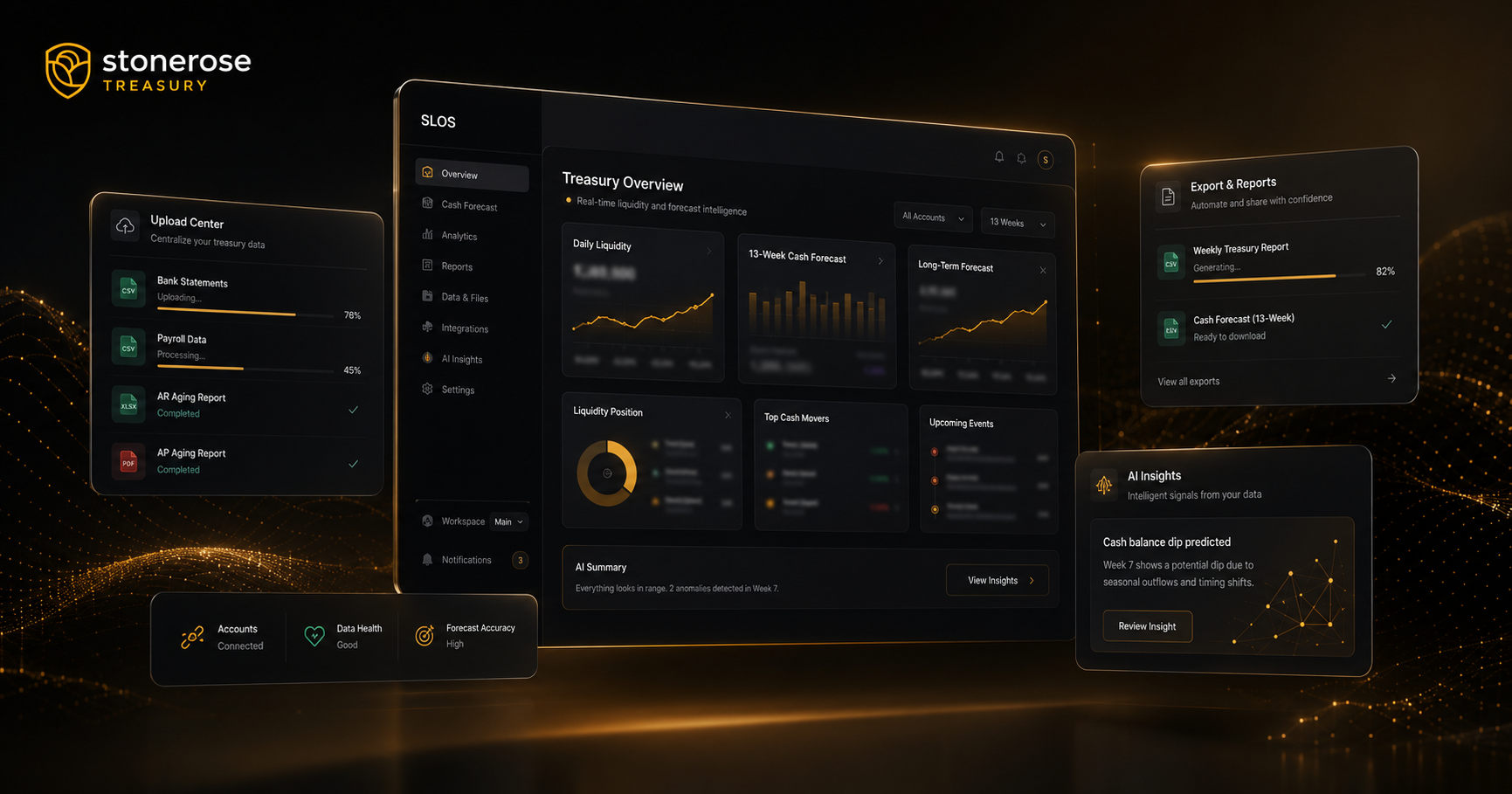
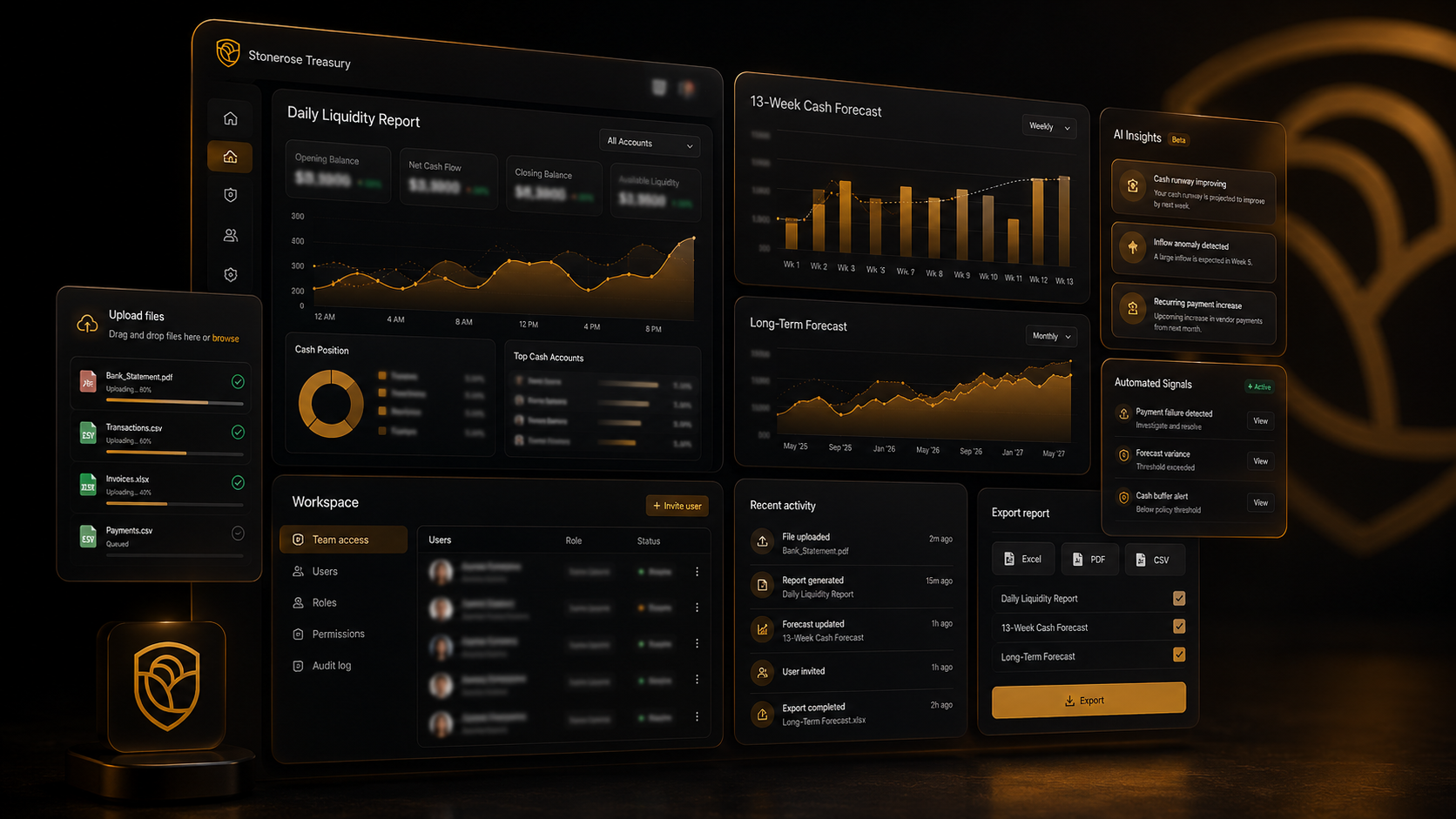
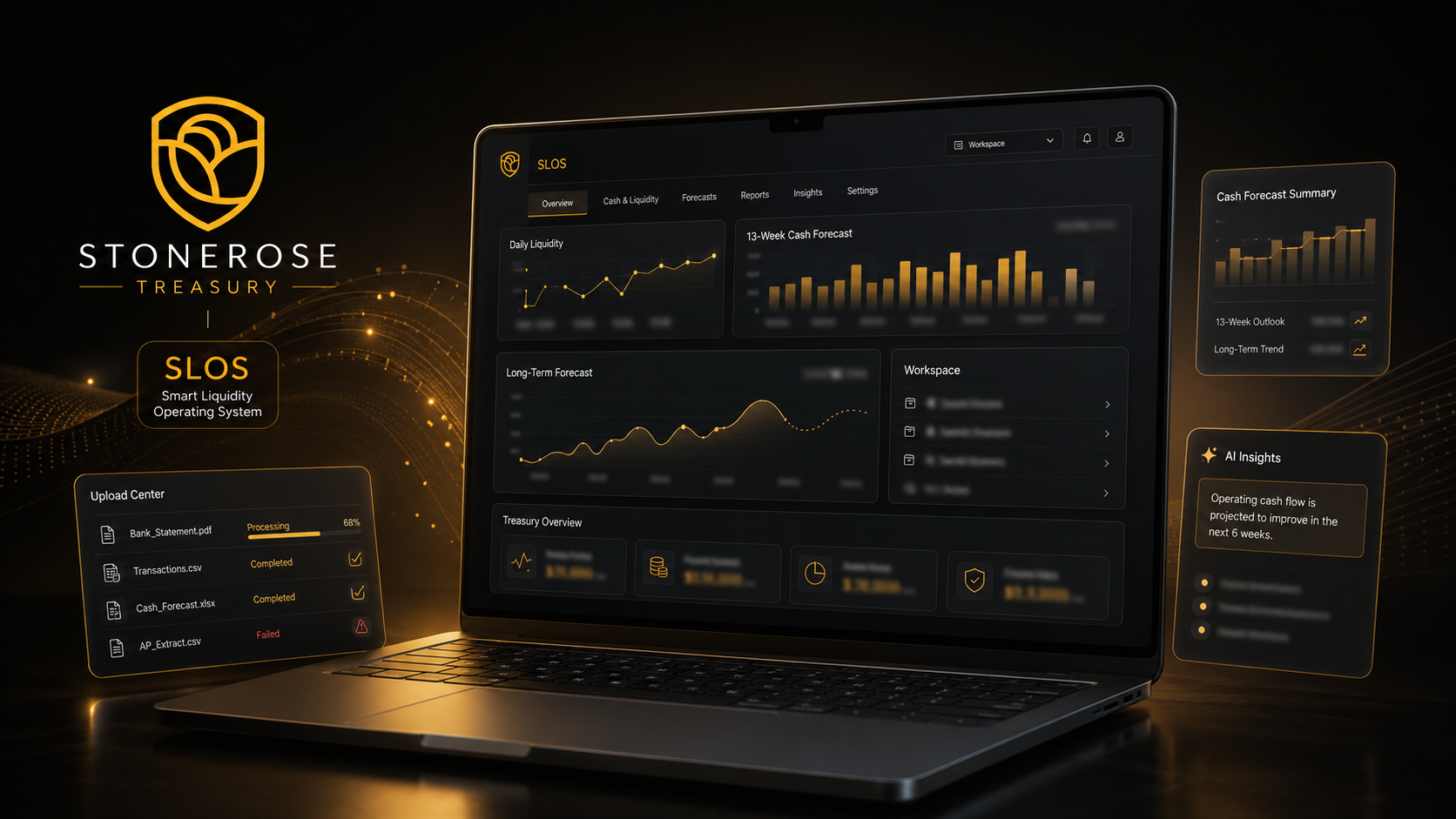
Permission checkpoint
Ask before using SCOPERR assets in campaigns, templates, marketplaces, pitch decks, ads, or anything that could imply endorsement.